
Best way to print PDF notes on Mac
Printing PDF notes on Mac can quickly become messy or unreadable. Here is the cleanest and easiest solution.
Native macOS app • One-time purchase • Fast printable notes workflow
Common problems when printing PDF notes on Mac
A PDF can look perfectly usable on screen, then become difficult to read once notes and comments are sent to the printer. The best way to print PDF notes on Mac starts with solving layout and readability.
Overlapping comments
Multiple annotations can compete for the same space, making printed PDF comments hard to match with the original text.
Unreadable small notes
Long notes often shrink or sit inside cramped areas, especially on dense documents.
Cluttered pages and poor formatting
A printout can quickly feel crowded when comments, highlights and page content are not reorganized for paper.
Common methods people try
Most Mac users try a few built-in or manual options first. They can help for short documents, but they usually become slow or inconsistent when you need to print annotated PDF Mac documents cleanly.
Apple Preview
Preview is convenient for adding notes, but printed annotations can be cramped or difficult to read.
Screenshots
Screenshots preserve visual context, but they are awkward for multi-page PDFs and long comments.
Manual copy/paste
Copying notes into another document gives control, but it takes time and breaks the connection to the page.
Separate exports
Exporting comments separately can work for review, though it often leaves you juggling multiple files.
The best modern solution: PDF Margin Notes
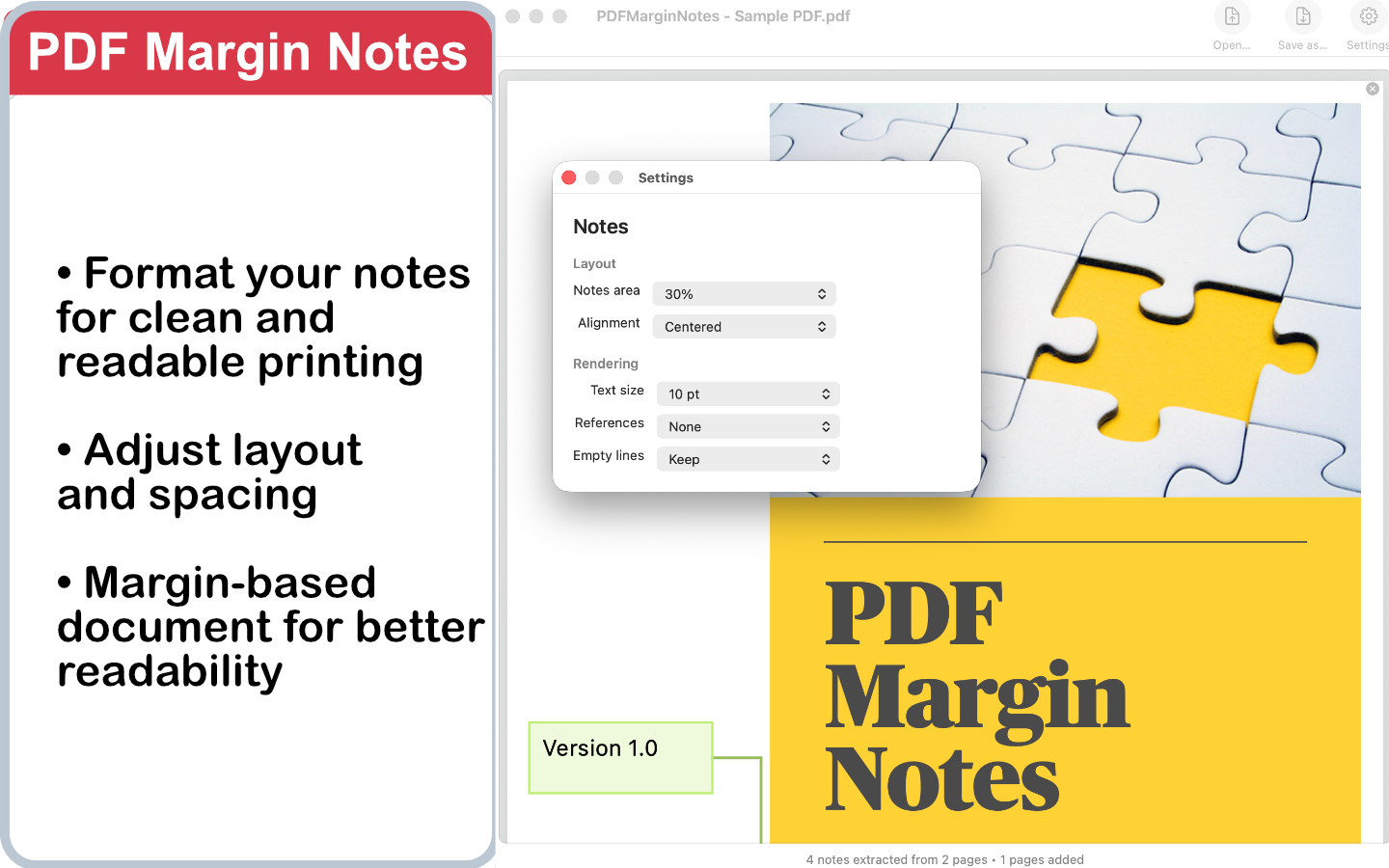
PDF Margin Notes transforms notes into readable printable pages. It reorganizes comments automatically, keeps the workflow fast, and creates a clean PDF you can print, share or archive from your Mac.
- Transforms notes into readable printable pages
- Reorganizes PDF comments automatically
- Creates a clean print PDF comments Mac workflow
- Runs as a native macOS app
- Available as a one-time purchase
Why Mac users choose it
Cleaner printed output
Comments are presented in a readable structure instead of crowded into the original page.
Faster review workflow
You avoid manual copying, screenshots and repeated print experiments.
Built for Mac
PDF Margin Notes is a focused native macOS app for people who need reliable printable PDF notes.
FAQ
What is the best way to print PDF notes on Mac?
For heavily annotated PDFs, the cleanest approach is to reorganize comments into readable printable pages. PDF Margin Notes does this automatically and exports a new printable PDF.
Can I print annotated PDFs from Apple Preview?
Yes, but Preview output can become cluttered when a document has many comments. A dedicated layout step usually produces a more readable result.
How do I print PDF comments on Mac without copy/paste?
Use PDF Margin Notes to convert the comments into a clean printable PDF, then print that exported file from your normal Mac print dialog.
Does PDF Margin Notes change my original PDF?
No. It exports a new printable file, so your original annotated PDF remains unchanged.
Is PDF Margin Notes a subscription?
No. PDF Margin Notes is a one-time purchase on the Mac App Store.
Print PDF notes cleanly on Mac
Use PDF Margin Notes to turn annotated PDF comments into readable printable pages with a fast native Mac workflow.