
How to print Apple Preview notes on Mac
Printing notes and annotations from Apple Preview can be frustrating. Here is the cleanest way to do it.
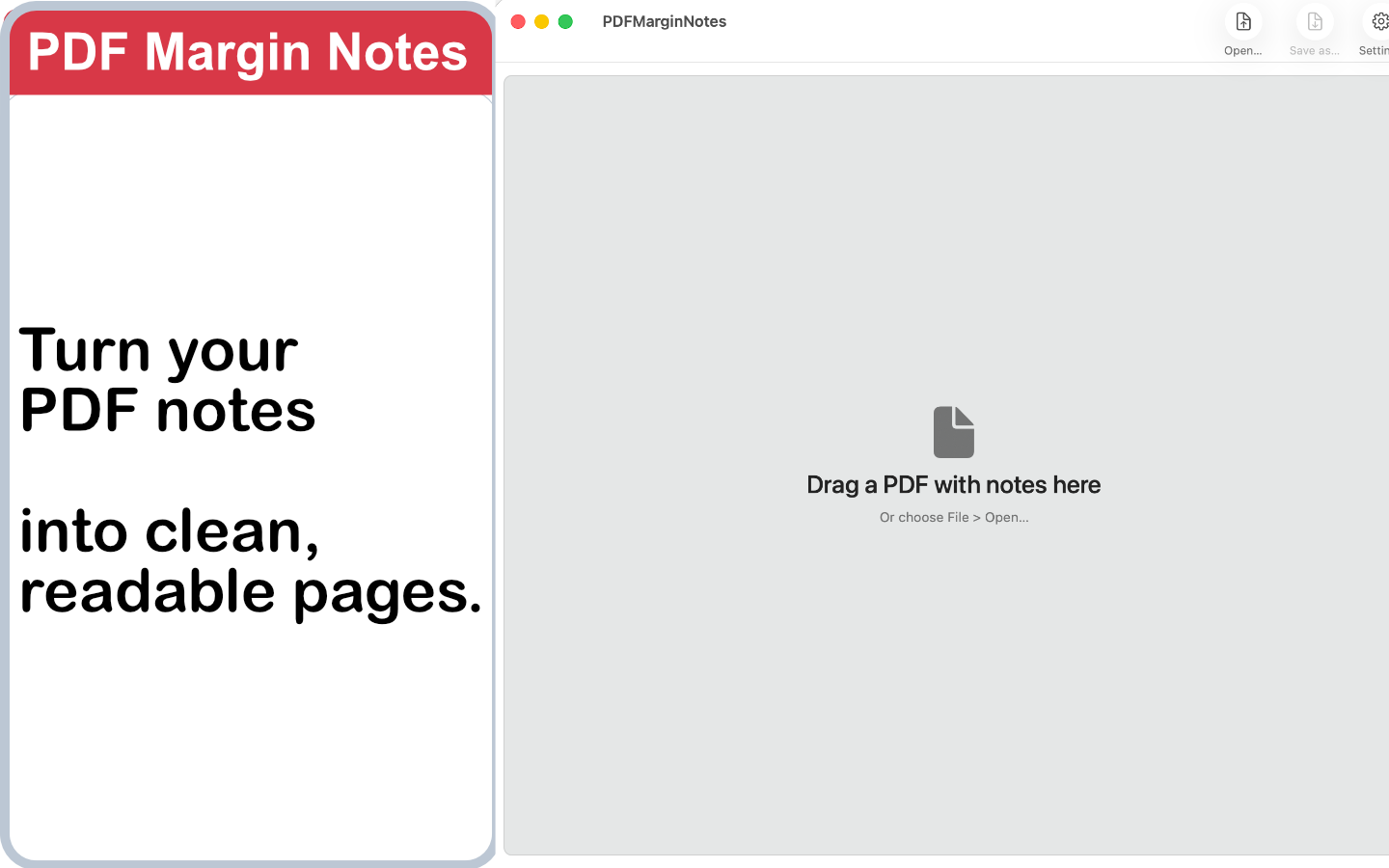
Native Mac app • One-time purchase • Built for readable PDF notes
Why printing Preview notes is difficult
Apple Preview is excellent for quick PDF comments, but its annotation workflow is not designed around clean printed handouts. When you print Preview annotations directly, the result can be hard to review.
Overlapping comments
Long Apple Preview notes can collide with nearby annotations or cover important parts of the page.
Unreadable text
Printed comments often become too small, especially when the PDF already has dense text or narrow margins.
Messy output
The page may print, but the notes are not organized as a clear review document.
Manual options for printing Preview annotations
If you only have a few notes, a manual approach can work. These methods are simple, but they become slow when a PDF has many comments.
Copy notes manually
Open each note in Preview, copy the text, and paste it into a separate document before printing.
Export comments separately
Use a separate review document or PDF workflow to keep comments outside the original page layout.
Use screenshots
Capture the annotated area and print the image when the visual context matters more than editable text.
A better way: PDF Margin Notes
PDF Margin Notes helps Mac users print PDF notes on Mac by turning Apple Preview notes into a readable printable PDF. Instead of forcing comments into crowded popups, the app reorganizes notes into a cleaner margin-style layout.
- Reorganizes Apple Preview notes into readable space
- Creates a clean printable PDF for review or archiving
- Runs as a native Mac app
- Available as a one-time purchase
How it works
Open your annotated PDF
Choose the PDF that contains Apple Preview notes, comments or highlights.
Let the app reorganize the notes
PDF Margin Notes places the annotations in a clearer layout designed for reading and printing.
Export and print
Save a new printable PDF, then print it from your usual Mac PDF workflow.
FAQ
Can Apple Preview print notes and annotations?
Apple Preview can print PDFs with annotations, but the result is often not ideal for long notes. Comments can overlap, become tiny or appear in a layout that is difficult to read.
What is the easiest way to print Preview annotations clearly?
For a few comments, copying notes manually may be enough. For longer annotated PDFs, PDF Margin Notes creates a cleaner printable PDF with reorganized notes.
Does PDF Margin Notes change my original file?
No. It exports a new readable PDF, so your original Apple Preview annotated PDF remains unchanged.
Is PDF Margin Notes a subscription?
No. PDF Margin Notes is a one-time purchase on the Mac App Store.
Does this help with print PDF notes on Mac workflows?
Yes. The app is designed for Mac users who need readable printed PDF notes from Apple Preview annotations.
Print Apple Preview notes cleanly
Turn crowded annotations into a readable printable PDF with PDF Margin Notes for Mac.